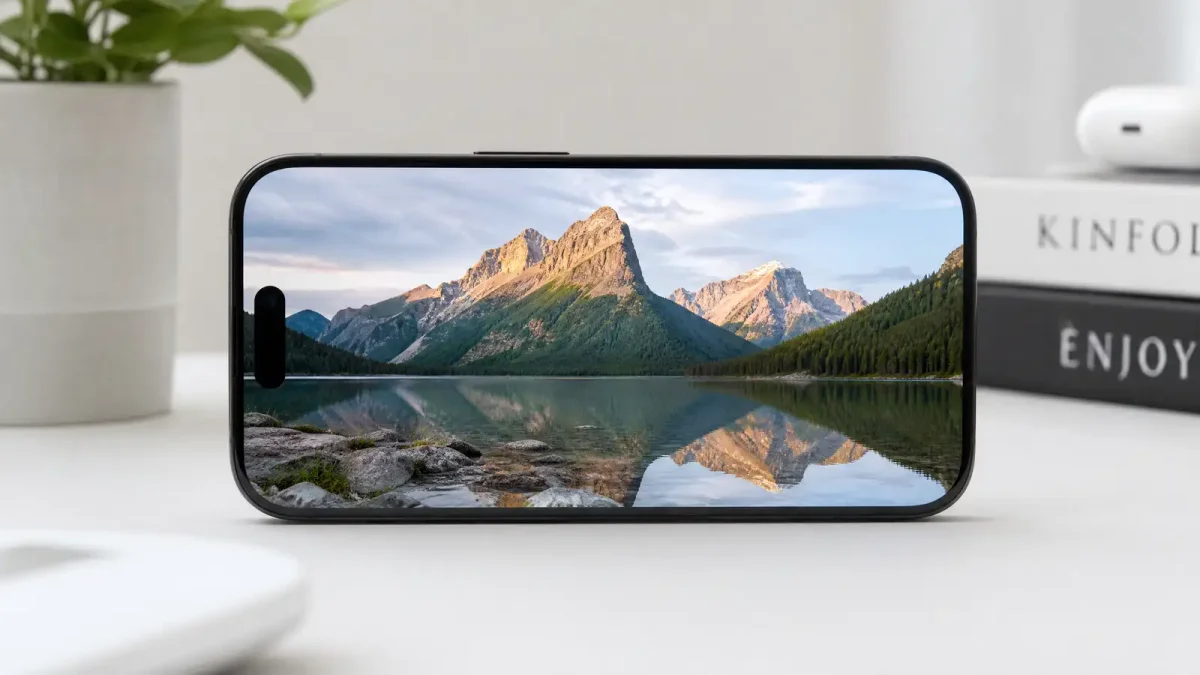
When Apple first introduced Image Playground as part of Apple Intelligence, the reaction was… mixed. The tool could generate images from text descriptions, but they looked cartoonish and stylized — more like a fun party trick than a serious creative tool. TechCrunch summed up the consensus with a headline that said it all: “Apple’s Image Playground doesn’t suck anymore.”
At WWDC 2026, Apple announced that Image Playground has been completely rebuilt with new Foundation Models that deliver photorealistic image generation. The change is not incremental — it is transformative.
What Changed
Image Playground used to produce images in a limited set of stylized looks — animated, illustration, and sketch. These were fine for casual use, but they placed Apple’s AI image generator firmly in the “novelty” category, far behind the capabilities of Midjourney, Flux, and other dedicated AI art tools.
The new model changes the game. It can now generate photorealistic images from text prompts — images that look like photographs, not illustrations. The lighting, textures, and composition are all dramatically improved. You can now create images suitable for presentations, social media, marketing materials, and creative projects directly on your iPhone.
This is powered by Apple’s new Foundation Models, which the company detailed in a WWDC session. The approach is hybrid: lightweight inference runs on-device using Apple Silicon, while heavier generation tasks are offloaded to Apple’s cloud infrastructure. The result is that you get near-instant generation for simple prompts and high-quality results for complex ones, all within the same interface.
Why This Matters
It Brings AI Image Generation to a Much Larger Audience
Most AI image generators — Midjourney, Flux, Stable Diffusion — require some level of technical comfort. You need an account on a specific platform, or you need to run software on a GPU-equipped machine. Image Playground is built into iOS. If you have an iPhone that supports Apple Intelligence, you have a capable AI image generator in your pocket.
Photorealistic capability means the audience for that generator just expanded from “people who make cartoon images for fun” to “anyone who needs an image for anything.”
It Changes the Competitive Landscape
Before this update, Apple was not really competing in the AI image generation space. Now it is. The comparison with other tools becomes relevant:
- Midjourney still leads on artistic style and creative control, but requires a Discord workflow or web interface
- Flux offers open-source flexibility but typically needs a powerful GPU or a cloud service
- GPT Image integrates with ChatGPT but requires an OpenAI subscription
- Image Playground is now free, built-in, and photorealistic
For casual to moderate users who need a decent image quickly, the default choice might just become the one already on their phone.
It Reflects Apple’s Broader AI Strategy
The hybrid on-device/cloud architecture is the same pattern Apple is applying across Apple Intelligence. Text summarization runs on-device. Complex reasoning tasks can reach the cloud. Image generation follows the same logic: simple prompts are handled locally, complex ones get the full cloud model.
This approach has two advantages: privacy (your prompts do not always leave your device) and speed (local generation is near-instant). It also has a limitation — the on-device model is necessarily smaller and less capable than the cloud version. But for most everyday use cases, the on-device model is more than adequate.
What You Can Do With It
Photorealistic image generation on your iPhone opens up practical use cases that were not possible with the stylized version:
Social media content. Create custom images for posts without needing stock photo subscriptions or photography skills. The quality is good enough for Instagram, LinkedIn, and Facebook.
Presentations and documents. Generate custom illustrations and photos for slide decks, reports, and blog posts. This is especially useful for small teams and independent creators who do not have access to design resources.
Concept visualization. Quickly mock up product ideas, interior design concepts, or event planning visuals. The photorealistic quality means these mock-ups are actually useful for communicating ideas to others.
Personal projects. Create custom images for invitations, photo book inserts, or creative projects where you need something specific that stock photos cannot provide.
Limitations to Keep in Mind
Despite the dramatic improvement, Image Playground is not going to replace dedicated AI art tools for everyone:
Creative control is still limited. You cannot fine-tune the model, use ControlNet-style pose guidance, or iterate with the precision that Midjourney or Stable Diffusion offer.
Style range is narrower. Photorealistic is one style among many. If you want anime, oil painting, or watercolor styles, other tools still have you covered.
Device requirements. Apple Intelligence requires an iPhone 15 Pro or later, or an iPad or Mac with Apple Silicon. If you are on an older device, you are out of luck.
The Technology Behind the Upgrade
Understanding why Image Playground got so much better requires looking at the Foundation Models that power it. Apple’s approach to AI is fundamentally different from companies like OpenAI or Google, and that difference shows in how Image Playground works.
On-Device vs. Cloud: The Hybrid Architecture
Apple’s new Foundation Models use what the company calls “Private Cloud Compute” for heavier AI tasks. When you type a prompt into Image Playground on your iPhone, here is what happens:
-
On-device check. The iPhone first tries to generate the image using the model running on Apple Silicon (the A17 Pro chip or later). This model is smaller — it has to fit within the device’s memory — but it is fast and your prompt never leaves the phone.
-
Cloud escalation. If the prompt is complex — multiple subjects, specific lighting conditions, detailed composition — the request is sent to Apple’s cloud infrastructure. The cloud model is larger and more capable, producing higher-quality results at the cost of a few extra seconds.
-
Privacy guarantees. Even when your request goes to the cloud, Apple’s Private Cloud Compute is designed so that Apple cannot see or store your data. The servers use Secure Enclave processors, and the images are deleted after delivery.
This hybrid approach is Apple’s answer to the speed-vs-quality trade-off that every AI image generator faces. Instead of making you choose between a fast local model and a powerful cloud one, Image Playground tries local first and escalates automatically.
How Apple’s Models Compare to Competitors
The AI image generation space is crowded, and Apple’s entry with a photorealistic model shifts the dynamics:
| Feature | Apple Image Playground | Midjourney v7 | Flux 2 Max | GPT Image 1.5 |
|---|---|---|---|---|
| Photorealistic | ✅ Yes | ✅ Yes | ✅ Yes | ✅ Yes |
| On-device | ✅ iOS/macOS | ❌ Cloud only | ❌ Self-hosted or cloud | ❌ Cloud only |
| Free tier | ✅ Built-in | ❌ Subscription | ✅ Open weights | ❌ Subscription |
| Creative control | Limited | Extensive | Extensive | Moderate |
| Art styles | Photorealistic primary | All styles | All styles | All styles |
Apple’s advantage is clear: integration and accessibility. Its disadvantage is equally clear: creative control and style range are still behind dedicated tools.
What This Means for the Broader AI Image Market
Apple’s move puts pressure on every other AI image generator to justify their price. If a free, built-in tool on your iPhone can generate photorealistic images, why pay $10/month for Midjourney?
The answer, for serious creators, is still creative control. Midjourney’s parameter system, Flux’s open-source flexibility, and tools like ControlNet give you precision that Image Playground does not offer. But for the majority of users — the ones who just need “a good-looking image” — the gap has narrowed significantly.
This is the same dynamic we saw when smartphone cameras disrupted the point-and-shoot camera market. Most people do not need the best camera — they need a camera that is always with them. Image Playground is doing for AI image generation what the iPhone camera did for photography.
The Bottom Line
Apple’s Image Playground went from “doesn’t suck” to genuinely useful in one update. For most iPhone users who have ever thought “I wish I could generate an image for this,” the answer is now “you already can.”
This is not the best AI image generator on the market — Midjourney and Flux still hold that crown for serious creative work. But it might be the most accessible one, and accessibility is exactly what drives adoption.
If you have an Apple Intelligence-compatible device, give it a try. Type in a description and see what comes out. You might be surprised.
Sources: CNET — Apple’s Image Playground Gets Photorealistic Capabilities, TechCrunch — Apple’s Image Playground Doesn’t Suck Anymore, 9to5Mac — Apple’s New Foundation Models Explained
Related reading: Seedream 5.0 vs GPT Image 1.5 vs Flux 2 Max — our earlier comparison of AI image generators.